
It's late, your day is over, and you still need an image and a caption for Instagram. Looking for free Instagram post creation that won't eat your evening? Good news: a visual and its text can be prepared without paid software, as long as you choose the right format and proofread before publishing.
This article walks you through it step by step, from choosing the format to writing the prompt. You'll also find how long a creation actually takes, how to personalize an AI-generated visual, and the criteria for choosing your tool.
📌 The essentials
- A free Instagram post is created in five steps: objective, design, prompt, proofreading, then publishing.
- The square format and the portrait format cover most Instagram posts.
- A precise prompt, with colors, tone and text, gives a first visual much closer to what you want.
- The AI proposes, you validate: nothing should go out without your proofreading.
- Dropapost prepares and schedules your posts with a 7-day free trial, then €19.99 to €79.99 per month.
- How do you create an Instagram post for free?
- Which format should you choose for your Instagram post?
- How do you write a prompt that gives the right post?
- How long does it take to create an Instagram post?
- Can you personalize a post generated by AI?
- What criteria should you use to choose your creation tool?
- Scheduling your Instagram posts without spending your evenings on it
- Frequently asked questions
How do you create an Instagram post for free?
To create an Instagram post for free, follow five steps: define the objective, specify the design, write a prompt for the artificial intelligence, proofread, then publish. The prompt is the written instruction that describes what you want. The artificial intelligence produces a first visual and a first text from it.
Start with the objective of your Instagram post: promoting a product, inspiring, or answering a question from your community. This choice guides everything else.
Here are the steps:
- Define the objective of the post in one sentence.
- Specify colors, font, visual and text to display.
- Write the prompt by describing the expected result, not just the subject.
- Proofread, adjust the text and colors, then validate.
- Download the file, then publish it or schedule it.
The classic pitfall: publishing without proofreading. An overloaded visual drives people away, and your engagement on social networks suffers. Always stay in control of each visual, then read the step-by-step TikTok guide.
Which format should you choose for your Instagram post?
Instagram post templates come in two main formats: the square format and the portrait format. The right choice depends on what you want to show.

The square is the simplest to master, since it fits neatly in the feed and can be read at a glance. It remains a good reflex for free Instagram post creation.
The portrait takes up more screen space, which helps capture attention on mobile. For a carousel post, keep the same framing on every slide. On social networks, consistency matters as much as the format.
Choose according to the goal: a square for a quote, a portrait for a product photo. An artificial intelligence can propose both versions from a prompt, but you decide which one matches your brand voice. For video, check Instagram video formats.
How do you write a prompt that gives the right post?
A good prompt describes the goal, the audience, the style, the colors and the text to display. Without these elements, the AI guesses and delivers an off-topic visual. For example, for free Instagram post creation, write: "Launch post: a minimalist green and white post that highlights the product with subtle decorative elements."
Also add what should be avoided: no overly long text, no busy background. An overloaded graphic design is hard to read in the feed, whether in square or portrait format. If the result misses, change one element at a time to understand what's blocking.
Keep the prompts that work in a document: you can reuse them for your Instagram post template, for a carousel post, or for an Instagram publication.
How long does it take to create an Instagram post?
Once your prompt is refined, it takes less than 5 minutes to get a visual and a text. The first attempt takes longer.
Take a shop that publishes 3 posts a week: at 5 minutes per post, free Instagram post creation takes 15 minutes. Still set aside time for proofreading, because you are the one validating each visual.
The most efficient approach is batching: you prepare the whole month in one session instead of thinking about your next post every day. For a carousel post, prepare all the slides at once. Also set your format and Instagram post size once and for all, since the feed doesn't forgive inconsistencies.
Remember to personalize each Instagram post before publishing. The time savings come mostly from regularity, not from the speed of a single post. To automate the rest, read our guide to posting automatically on Instagram.
Can you personalize a post generated by AI?
Yes, you can personalize an AI-generated post: the visual remains editable, from text to font to colors. Use your colors and your logo so it stays recognizable. Your Instagram post template or your free Instagram post creation is just a starting point, and the retouching is what makes it yours.
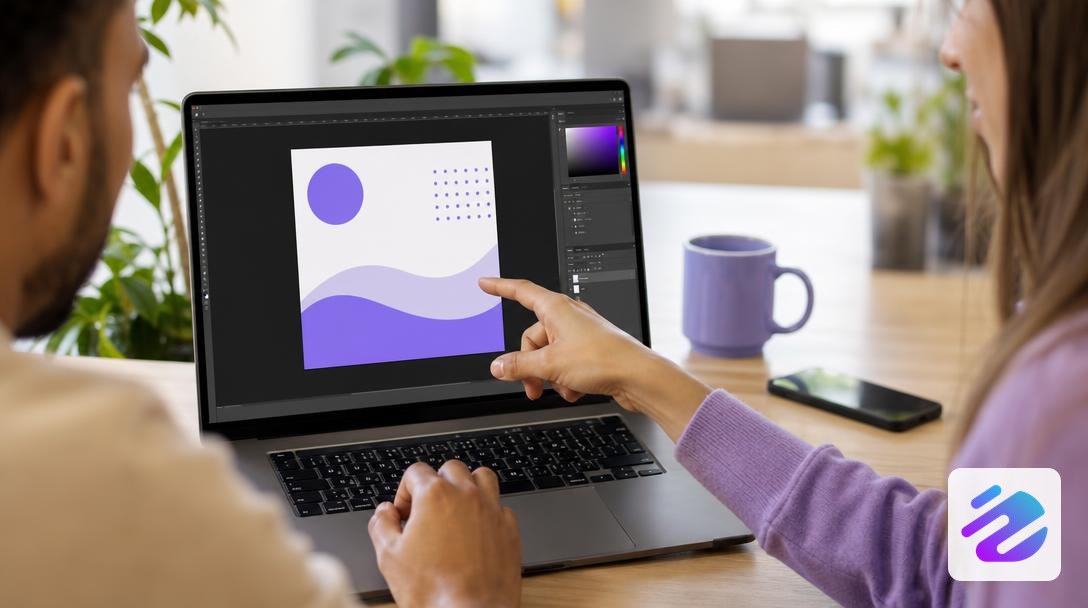
Check the rights: choose a royalty-free template or an image you are allowed to use. Then download the file in high quality, with the correct size for your Instagram post, for your Instagram publication. Proofread the text keeping your goals in mind so it sounds like your brand voice, not a machine. Even when everything moves fast, don't skip this step.
What criteria should you use to choose your creation tool?
The right tool is judged on five criteria: cost, artificial intelligence generation, formats, personalization and publishing. In free Instagram post creation, start with cost: the free version must let you download your post cleanly. Next, the AI must accept a prompt and offer several variants. Here are the points to check, from cost to publishing.
| Criterion | What to check |
|---|---|
| Cost | Download in the free version |
| AI generation | Free prompt and variants |
| Formats | Square, portrait, carousel |
| Personalization | Colors, texts, fonts |
| Publishing | Direct sending to Instagram |
To read this table, start from your goals. If you want to promote a product, Instagram post generators are enough, provided you can personalize the result. For engagement, choose the tool that simplifies publishing on Instagram. And if you reuse an Instagram post template, check that every image is royalty-free.
Scheduling your Instagram posts without spending your evenings on it
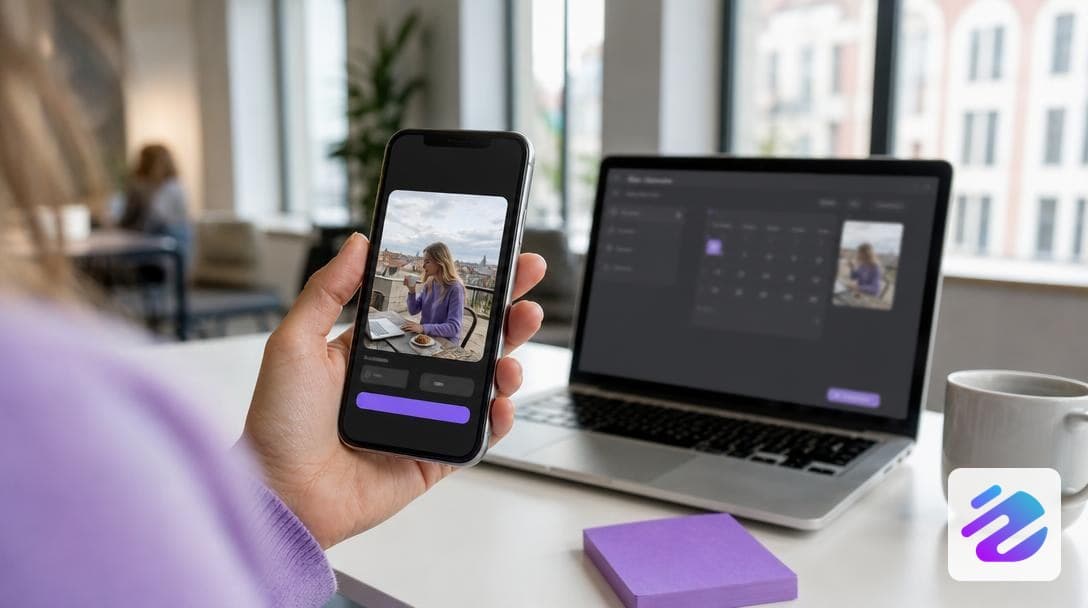
Once your visuals are ready, Dropapost can schedule your Instagram posts and publish them for you. Ava, an artificial intelligence agent, starts from an idea, a photo or your shop and prepares the text, the visual and the hashtags in your brand's tone.
You keep the final say before each publication. A Shopify shop sums it up well: "Thanks to Dropapost, I publish 3x more without spending my evenings on it." You can also reuse an Instagram post template you've already validated.
Once your Instagram publication is approved, it goes out at the chosen time, and you then track your engagement. You connect your accounts through official Meta access; Dropapost is a verified Meta partner, rated 4.3/5 on Trustpilot (22 public reviews). For Facebook too, read our step-by-step Facebook guide. Start the 7-day free trial, then €19.99 to €79.99 per month, cancellable in one click, and get your evenings back.
Frequently asked questions
How much does it cost to create an Instagram post?
Creating an Instagram post costs no money if you do it yourself with free tools, but your time does have a value. Most of the cost lies in design, writing and proofreading, especially when you need to publish often.
Which AI can I use to create Instagram posts?
To create an Instagram post with AI, you can use Dropapost, an AI community manager whose agent Ava writes the text, creates the visual in your colors and adds the hashtags. Ava starts from an idea, a photo or your Shopify, WooCommerce or PrestaShop shop. Nothing goes out without your validation: you proofread, adjust your brand voice, then publish. You can test the tool for free, at €0 today.
Written by Mathieu, Dropapost
Written by
Jhon B.
Dropapost
Tags
Ready to automate your social media?
Join Dropapost and easily manage all your brands from a single platform.
Start for free