
You finish your video in the evening, but you want it to go live when your audience is online, without staying in front of your screen. You can schedule your TikTok post from TikTok Studio or with a third-party scheduling tool. The method depends on your account, though, and certain format settings must be respected before you confirm. This guide walks you through the steps, the limits to know, and the best time to publish.
The essentials
- You can schedule a TikTok video in TikTok Studio, on a computer or via its app, not in the regular mobile app.
- Native scheduling has duration and availability limits in France: check them before building your calendar.
- A third-party tool often requires shorter, lighter videos: check the format before importing.
- Choose your publishing time based on your active followers and your audience's time zone, then keep a regular rhythm.
- To save time, automate publishing with a tool like Dropapost while keeping human validation.
- How does scheduling a TikTok post work?
- What limits do you run into with TikTok Studio?
- Which video format should you choose before scheduling?
- Which time should you choose to publish your TikTok video?
- How do you schedule your video with a planning tool?
- Should you post on TikTok, Instagram, or both?
- How do you automate your TikTok posts without managing everything?
- Frequently asked questions
How does scheduling a TikTok post work?
You can schedule a TikTok post via TikTok Studio, in a desktop browser or in the TikTok Studio app. The regular TikTok mobile app does not offer this option, so there's no point looking there.
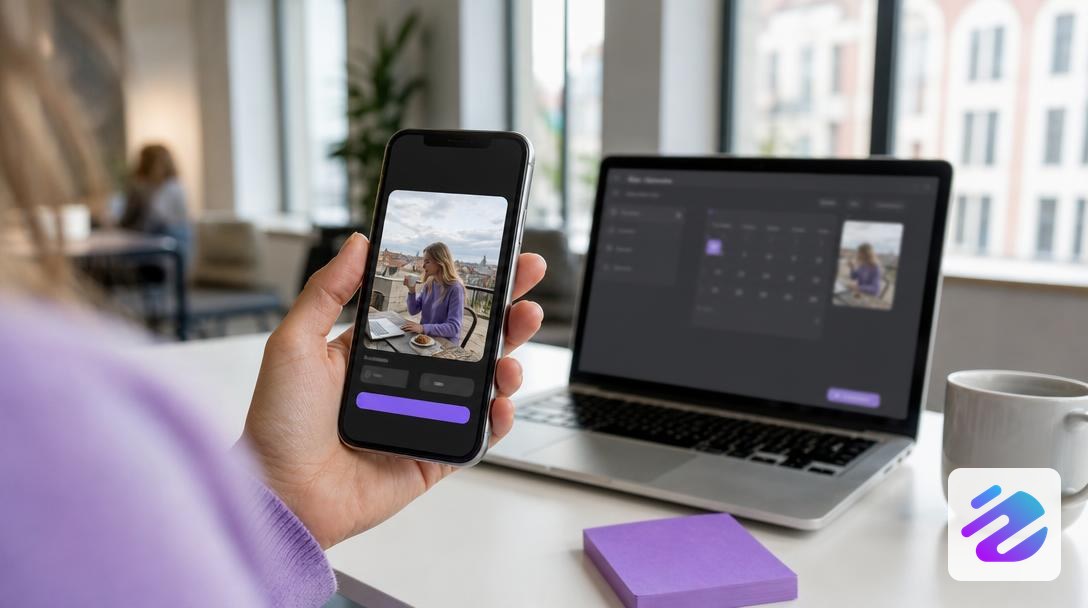
The principle is simple: you import your vertical video, add the caption and hashtags, then choose the date and time. Before confirming, check the cover image, since it remains the first visual your followers see. This check avoids many surprises.
To build an editorial calendar, choose the best time to publish based on your audience, then note a precise publishing time for each video. A scheduling tool handles the rest once these choices are made, provided you verify the mp4 format and the video duration.
For another platform, read Schedule a Facebook post: 2026 step-by-step guide. This Digitad guide on scheduling posts details the process.
What limits do you run into with TikTok Studio?
TikTok Studio's native scheduling only lets you plan a post one month in advance. If you want to schedule TikTok posts over several weeks, build your calendar in short batches, keeping the best time to publish in mind. Also remember to set your time zone before confirming, otherwise the publishing time won't match the one you chose. Before committing, check your video's duration in the import screen and the caption you plan to use.
Your drafts pose another constraint: according to the Digitad guide on scheduling posts, they are permanently deleted after 60 days. So don't let them sit indefinitely, and note the planned date and time in your calendar. A forgotten draft is a lost idea.
A 2025 source indicated that native scheduling had not yet been rolled out in France, with no official date. This may be outdated, so check in TikTok Studio whether the option appears for you before relying on it. These limits explain why many creators use a third-party tool to schedule their posts over several weeks. Also read Schedule an Instagram post in 2026: quick guide if you also publish elsewhere.
Which video format should you choose before scheduling?
The right format depends on the tool: TikTok Studio accepts longer videos than a third-party tool. Before scheduling a TikTok post, check the duration and file size: a non-compliant format blocks the scheduled publication.
The table compares the two frameworks.
| Criterion | TikTok Studio | Third-party tool |
|---|---|---|
| Duration | Under 10 minutes | 3 to 60 seconds |
| File size | Under 10 GB | 500 MB maximum |
| Minimum resolution | 720 x 1280 pixels | Not specified |
| Formats | Not specified | MP4 or MOV |
Read the table according to the duration of the video you plan: a 45-second clip works with a third-party tool to schedule TikTok and stays well under the native limit. In both cases, keep a vertical framing, a short caption, and hashtags targeted to your topic. For the publishing time, check the date and time according to your active followers' time zone.
If you also publish on Instagram, the guide Reel, story or post: which Instagram video format? details the formats that work there.
Which time should you choose to publish your TikTok video?
There is no universal time to publish a TikTok video: the right slot depends on your active followers, those who actually watch your videos and that you identify in your statistics. Also consider your audience's time zone: a video published at noon in Paris goes out at 6 a.m. in Montreal. Concretely, test two or three slots over four weeks, then keep the one that generates the most qualified views.
Then lock everything into an editorial calendar that specifies the day, time, and theme of each video for the week, with its caption, hashtags, and cover image. Automatic publishing saves time, but it does not replace constant regularity. A steady rhythm is worth more than a big wave followed by a long silence. If you also manage Instagram, apply the same logic using our Schedule your Instagram posts: 2026 guide and methods.
How do you schedule your video with a planning tool?
You can schedule a TikTok post without staying in front of your phone.
Here is the sequence to follow, in order:
- Choose a scheduling tool that accepts TikTok and check its formats before committing.
- Import your vertical video, then write the caption and hashtags on the same screen.
- Add the cover image and review everything to spot a typo or a poorly framed visual.
- Select the date, time, and your time zone, then confirm your scheduled post.
- Review your editorial calendar once a week to correct a slot or text that isn't performing.
An automatic publication goes out at the planned time, without you, so review everything before confirming. Observe your active followers after each send to know which slot holds. To schedule a TikTok post, start with a single test piece of content. The same reflex applies to all your future videos.
Should you post on TikTok, Instagram, or both?
Start with a single platform, measure your results for a month, then add the second. TikTok is mainly used to discover new audiences, since distribution often goes beyond your followers.
The same vertical video can serve for Instagram Reels and TikTok, provided you adapt the caption. Don't recycle an identical edit: change the text, hashtags, and cover image for each network. Before scheduling your TikTok post, review the caption and check the framing.
If your rhythm is steady, publish on both; otherwise keep the one where your audience responds. A simple editorial calendar helps you plan your TikTok posts without improvising. Identify the best time to publish using your statistics, then use a scheduling tool to schedule TikTok at those slots. Automatic publishing frees up time, without replacing review.
How do you automate your TikTok posts without managing everything?
To schedule your TikTok posts without managing everything, you can hand planning over to a scheduling tool that sends each scheduled post at the chosen time. You no longer need to be available on the day, and your consistency holds even when your schedule fills up.
With Dropapost, you can schedule TikTok, Instagram, Facebook, and Pinterest from a single editorial calendar, so your Instagram and Facebook posts go out from the same place. You place your vertical video and caption there, then validate the date. Start with the free 7-day trial, at €0 today, with plans from €19.99/month that you can cancel at any time. Start your trial at dropapost.io.
Enable automatic publishing to save time, but keep human validation before each send and prefer a pro account. Monitor the first 24 hours to adjust the voice of your content, then set your publishing time based on your statistics, since the best time to publish depends on your audience.
Frequently asked questions
How do you make a co-post on TikTok?
Yes, you can prepare a co-post in TikTok Studio, on a browser or in its app. This guide does not detail its steps, so check the publishing screen before sharing. Native scheduling only lets you plan one month in advance, so set your date within that limit. If you publish regularly, Dropapost can automate your TikTok post while keeping your validation.
How much do you earn from 1,000 views on TikTok?
You cannot calculate a fixed earning from 1,000 views on TikTok, because payment depends on the program, the country, and the audience. To estimate what you earn, check the revenue actually received in your creator dashboard. Then compare that amount with the number of views for each video, relying on your real figures rather than an average.
Written by Mathieu, Dropapost
Written by
Jhon B.
Dropapost
Tags
Ready to automate your social media?
Join Dropapost and easily manage all your brands from a single platform.
Start for free