
You can schedule your Instagram Stories in 2026, but not everything and not in the same way. This guide shows you the available methods, what you can (and cannot) automate, a step-by-step mobile and desktop workflow, a practical checklist, and the criteria for reliable auto-publishing with a suitable auto-publishing tool.
The essentials
- An Instagram Story normally disappears after 24 hours.
- You must use a professional account (Business or Creator) to schedule publications on Instagram.
- Two methods exist: the automatic method (auto-publishing without stickers) and the notification method (semi-automatic with manual intervention).
- The automatic method publishes a vertical image or video at the chosen time but excludes interactive stickers.
- Posts and carousels, as well as most schedulable Reels, are supported by a professional tool.
- Why a Story's lifespan changes your scheduling strategy
- Which Story scheduling methods exist and when to choose them
- Practical checklist: what you can and cannot schedule in 2026
- Recommended workflow for scheduling Stories from your phone or desktop
- Comparison of solutions: method, stickers, control and cost
- Getting reliable auto-publishing and a regular calendar for your Stories
- Frequently asked questions
Why a Story's lifespan changes your scheduling strategy
Your strategy should target a short, precise visibility window: a Story normally disappears after 24 hours.
How much time you gain (or lose)
A Story's visibility is limited to 24 hours, so scheduling Instagram Stories requires aligning content and objective with that window. Scheduling your Instagram post at the right time gives it more impact; the wrong time reduces interactions. A Story scheduler lets you choose the time that maximizes interactions and reduces wasted effort.
When to schedule a Story
Favor peaks of activity: a promo launch, the start of an event, or a break in your audience's routine. To extend the content's life, turn the Story into a Highlight after publication or republish it as a post if your professional tool allows it. Use the notification method when you need to add stickers or check the rendering before publishing on Instagram.
Schedule Instagram posts: pro method 2026 — and for historical context on the ephemerality of Stories, see Le Monde.
Which Story scheduling methods exist and when to choose them
Automatic method: when to use it
- Usage checklist:
- Vertical 9:16 format in .mp4 or optimized .jpg.
- Content without interactive stickers (no polls, GIFs added after publication).
- Professional account connected and auto-publishing permissions enabled.
- Test in "close friends" or private mode one week before public rollout.
- When to use it: promo series, reminders, visual teasers, and regular posts without intervention.
- Advantage: time savings and consistency thanks to automated auto-publishing.
Notification method: when to use it
- Prepare your Story in vertical format, then schedule an alert from the app or your tool.
- When notified, check the rendering, add mentions, polls or GIFs, then publish manually.
- Ideal if you mix posts, carousels and Stories in one campaign or want a human finish.
- Prefer mobile scheduling to receive and manage notifications in real time.
To understand the rules of automatic publishing and their constraints, see Numerama's practical guide on Instagram publishing methods (procedure explained).
If you also want to schedule Instagram Reels or automate posts, start by testing for one week in restricted mode to validate the rendering.
Practical checklist: what you can and cannot schedule in 2026
You can automate the upload of vertical visuals, posts, carousels and, in most cases, Reels, but auto-publishing does not handle interactive stickers.

Practical checklist to get started:
Schedulable formats
- Vertical 9:16 images and videos: auto-publishing possible, ideal for mobile scheduling.
- Posts and carousels: schedulable from a professional tool; prepare the format before importing.
- Reels schedulable in most cases: always test the rendering before distribution.
- Professional account required: without a professional account (Business/Creator), you cannot schedule an Instagram post.
- To schedule an Instagram Story with stickers, use the notification method.
Here is a summary table of capabilities and limits.
| Format | Auto-publishing possible? | Notes |
|---|---|---|
| Vertical image | Yes | Direct via professional tool or mobile scheduling |
| Vertical video | Yes | Check the rendering before distribution |
| Interactive stickers (polls, quizzes, links) | No | Excluded from auto-publishing |
| Posts and carousels | Yes | Classic for scheduled Instagram publishing |
| Reels | Mostly yes | Schedulable Reels may vary with updates |
Common limitations
- Prepare your publishing workflow: 9:16 visuals and captions before queuing.
- Stories scheduled by auto-publishing do not accept interactive stickers; choose notification if you want polls or clickable links.
- To schedule Instagram publications in bulk, favor a compatible professional tool and test automatic scheduling for a few days.
- Combine auto-publishing and notifications depending on the need so you don't lose interactions.
For step-by-step instructions on auto-publishing, see Post automatically on Instagram without thinking about it.
Recommended workflow for scheduling Stories from your phone or desktop
Plan a calendar with times and objectives, create your visuals in 9:16, and choose the method (notification or auto-publishing) before executing.
Quick template (mobile)
- Checklist: editorial calendar with precise times and an objective per Story (sales, traffic, engagement).
- Visual format: vertical 9:16, exported as .mp4 or optimized .jpg for mobile.
- Reuse: convert into posts and carousels to extend reach.
- Plan alternatives for schedulable Reels depending on the platform.
Testing best practices
- If you use the notification method, plan 10–15 minutes per item to check and publish manually.
- If you opt for the automatic method, run a one-week test in private or "close friends" mode and monitor renderings and analytics for 24 hours.
- Validate the publishing workflow: calendar → 9:16 visual → test → going live, to master Instagram Story scheduling and scheduled Stories.
If you want to automate your chain further, test Instagram Story scheduling on a small sample before scaling up.
Comparison of solutions: method, stickers, control and cost
Summary table
For zero intervention and built-in AI generation, auto-publishing via a professional tool remains the most productive route.
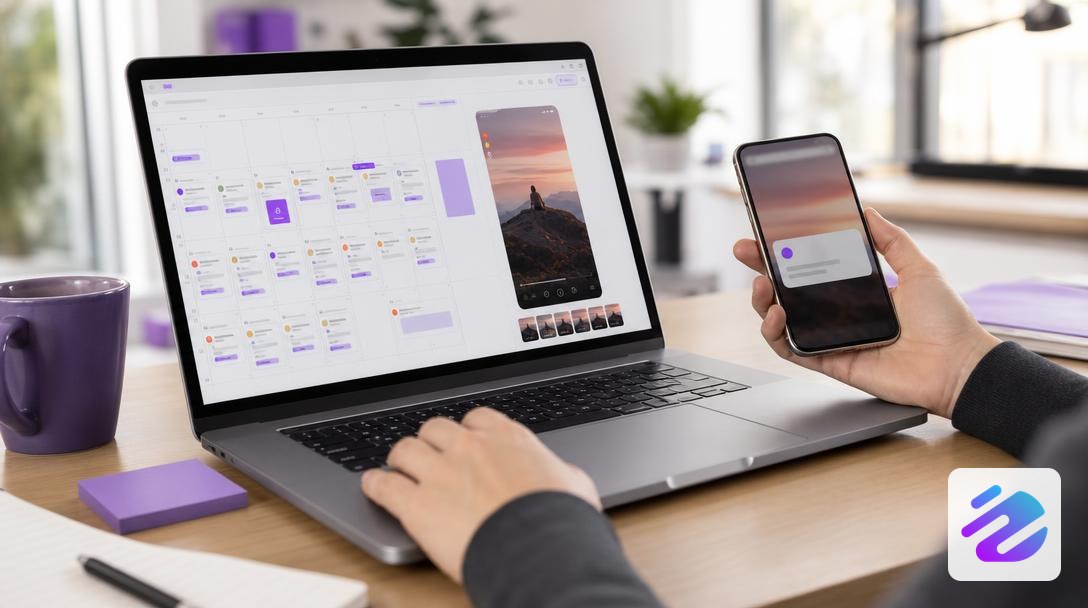
Here is a simple table to compare options by method, stickers, control and cost.
| Method | Intervention required | Interactive stickers | Final control | Cost |
|---|---|---|---|---|
| Notification method | Human validation at publishing time | Yes | High | Low |
| Automatic method via third-party tool | Little intervention | Often no | Medium | Medium |
| Auto-publishing via pro tool | Zero intervention possible | Often limited | Medium to low | Higher |
Which choice depends on your team
If you have a story scheduler or a small team available, favor the notification method to keep stickers and creative control. If you want to schedule Instagram Stories without manual touches, the automatic method via a third-party tool may suffice, but beware: the Instagram app and some services do not always allow full Story scheduling.
To combine content generation and regular Instagram publishing with no human effort, choose professional auto-publishing; it also handles schedulable Reels and makes Instagram Story scheduling easier from an Instagram scheduling app.
Getting reliable auto-publishing and a regular calendar for your Stories
Quick steps to start
Sign up, connect your professional account, and enable auto-publishing to launch Stories without intervention. From the interface, choose "schedule Instagram Stories", let the AI generate texts, visuals and hashtags, then schedule the publishing time. If you prefer to check before going live, select the notification method; for zero intervention, opt for the automatic method and test in "close friends" mode for a week.
What you gain in practice
You recover several hours per week and gain professional consistency: Dropapost becomes your story scheduler and handles Instagram publishing on your behalf. The 7-day free trial (€0 today) and plans from €19.99/month suit small businesses and freelancers who want to delegate. Monitor the first 24 hours to adjust the voice and learn the Story limitations. Dropapost is hosted in the EU, is GDPR-native, and over 1,000 companies already trust us. Try Dropapost for free now.
Frequently asked questions
Can you schedule an Instagram Story with stickers and polls?
No, you cannot schedule an Instagram Story with auto-publishing including interactive stickers or polls. Swello distinguishes two methods: the automatic one (direct publishing, without stickers) and scheduling by notification (semi-automatic), which reminds you to post so you can add polls and other interactive elements manually.
Where can I see scheduled publications on Instagram?
You see scheduled publications in the interface of the tool you use: a calendar or planned section in the pro app or a third-party tool. Make sure you use a professional account (Business or Creator) to access these features; depending on the tool, Stories may be managed separately or appear as reminders in your drafts.
How do I schedule an Instagram Story from my phone?
You must use a professional account and choose the method: automatic (without stickers) or notification (you receive a reminder and publish manually). For the automatic method, provide a vertical image or video that will publish at the chosen time. Dropapost offers auto-publishing and built-in AI generation to save time. Try the 7-day free trial.
Written by Mathieu, Dropapost
Written by
AJD Studio
Dropapost
Tags
Ready to automate your social media?
Join Dropapost and easily manage all your brands from a single platform.
Start for free