
You've finished your visual and your caption, but the button to schedule your Instagram posts isn't working, and you have to publish by hand tonight. Good news: the Instagram scheduling app is already on your phone, and you can schedule your posts and reels, as long as you have the right type of account.
You'll see what works, what gets blocked, and how to switch your account to professional. We also look at the API limits and reposting content from another account. A step-by-step guide wraps it all up so you save time every week.
The essentials
- Posts and reels can be scheduled from the Instagram app; stories cannot.
- You need a professional or creator account: the switch is free and quick.
- Check your real quota via the content_publishing_limit endpoint rather than relying on a single page.
- Reposting another account's content requires a legal basis, assessed case by case.
- With Dropapost, the AI suggests each post and you approve it before publication.
 Dropapost
Schedule without losing your voice
Dropapost creates your posts in your brand's tone, with visuals, hashtags and a first comment, and nothing goes out without your approval.
- Can you schedule a post from the Instagram app?
- How do you switch your account to professional to schedule?
- Which tool should you choose to schedule your Instagram posts?
- How many posts can be scheduled in 24 hours via the API?
- Can you repost another account's content on Instagram?
- Our view: consistency matters more than the perfect time
- How do you schedule your posts with Dropapost without losing your voice?
- Frequently asked questions
Can you schedule a post from the Instagram app?
Yes, you can schedule your photo, video, carousel and reel posts directly in the Instagram app, without any external tool.
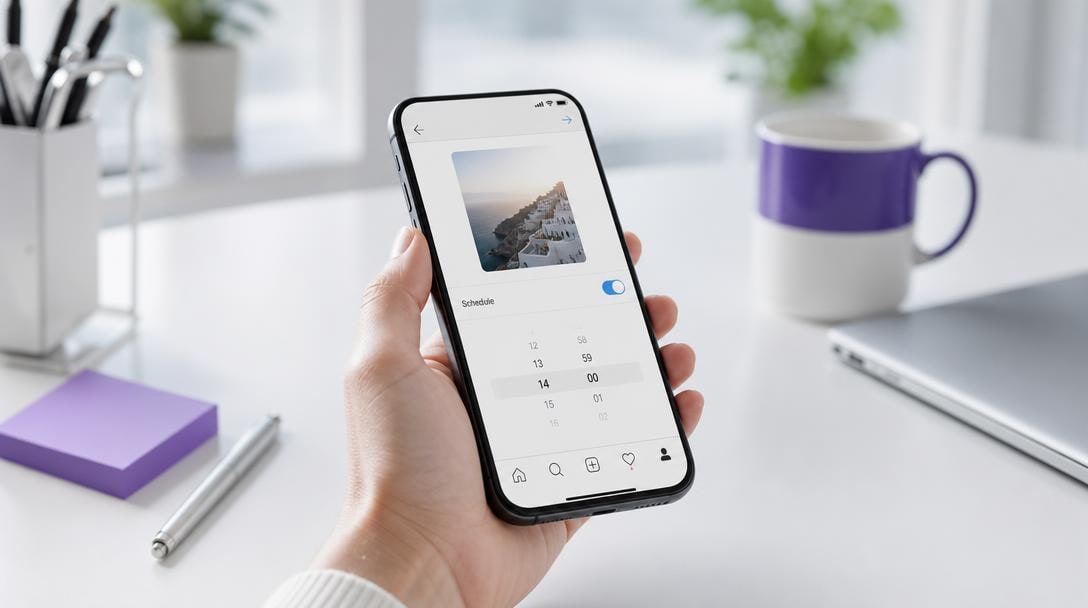
If the option is missing, first check your account type. According to Meta's official documentation on content publishing, only professional accounts have access to these features.
Prepare your caption, hashtags and first comment in advance, then, to schedule an Instagram post, set the date in your editorial calendar. On the day, you only need to check the publication time and let it run. To choose the best time, rely on the Instagram statistics of your own posts rather than a general rule. If you want to go further, see our guide on Reels.
How do you switch your account to professional to schedule?
To schedule an Instagram post, your account must switch to professional, and it's free and quick. You do it from the app's settings, in a few taps. You then choose between a creator account, suited to someone who publishes alone, and a Business account, better suited to a brand or shop.
This status isn't only for scheduling from the app. It also opens the Instagram API with Facebook Login, reserved for Business and Creator accounts, the route taken by every scheduling tool. According to Meta's developer documentation on the Instagram API with Facebook Login, publishing is available for professional accounts, except for Stories.
Once the account is converted, connect it without ever sharing your password with anyone else. A password that circulates is access you no longer control. This way you keep control of your editorial calendar, and you can schedule your Instagram reel without risking anything.
Which tool should you choose to schedule your Instagram posts?
There are two ways to schedule your Instagram posts: native scheduling or a third-party Instagram scheduler. To schedule your posts and reels for free, native scheduling is enough, but as soon as you manage several accounts, a third-party scheduler takes over. Here is the comparison.
| Option | Price | What it covers | Limit to know |
|---|---|---|---|
| Native Instagram app | Free | Posts and reels, one account | No stories, no tool to install |
| Meta Business Suite | Free | Facebook and Instagram together | Denser interface for a beginner |
| Third-party scheduler | Often paid after a trial | Shared calendar and Instagram statistics | Recurring cost to plan for |
To read this table, start from your case. If you publish alone, the Instagram scheduling app or Meta Business Suite covers the essentials, provided you have a professional account, without which it won't activate. If you manage several accounts or a team, a shared scheduling tool is often worth its cost. To go further, read our method for scheduling your Instagram posts.
How many posts can be scheduled in 24 hours via the API?
Via the API, an Instagram account can schedule up to 100 posts over a rolling 24-hour window, according to Meta's content publishing guide. The window is rolling, meaning it recalculates continuously rather than at midnight. A carousel counts as a single post: ten visuals published at once use one slot of the quota, not ten.
Official pages aren't always up to date, so don't rely on any figure written down. Instead, query GET //content_publishing_limit with your account's identifier: the response shows your current usage against the quota that actually applies to you.
In practice, the margin is wide. With 3 posts a day, you stay far below the ceiling. The real risk isn't the ceiling, but the temptation to schedule everything in one block on Sunday evening. Keep a regular rhythm, and check your quota before each large batch: it's one of the good practices, and it only costs two minutes.
Can you repost another account's content on Instagram?
Yes, you can repost another account's content, but only with a legal basis, and never out of reflex. The trap is believing that a publication open to everyone is free to use. A post may contain personal data: a recognisable person, a name, an address. The fact that it is public isn't enough.
According to the CNIL recommendations, reusing data published on social networks must rest on a legal basis, which means assessing your legitimate interest. Ask yourself whether the person would expect this reuse and whether your use could harm them.
In practice, schedule your own visuals without worry, since you control everything from A to Z. For a creator's content, get their written agreement before reposting, even if their post is visible to everyone. An email or saved message is enough to prove you received the green light. To choose the format that suits you, also read our comparison of video formats.
Our view: consistency matters more than the perfect time
Have you already spent your evening wondering whether your post goes out at 6 pm or 7 pm? For us, the time matters less than consistency. An account that publishes at the same slots settles into its audience's habits. People know when to come back, and you no longer decide everything at the last minute.
The right slot is verified, not guessed. If your account is professional, Instagram Insights shows you when your followers are online. Compare them over a few weeks before deciding, keeping an eye on your engagement.
Your mission this week, following good rhythm practices: choose two fixed slots, one in the morning and one in the evening. Then write all your posts at once, in batch (a dedicated work session for writing), and schedule them in a dedicated app. After two weeks, keep the slots that work and replace the others.
— Mathieu
How do you schedule your posts with Dropapost without losing your voice?
With Dropapost, you schedule your posts without losing your voice, because every piece of content goes through you before it goes out. Here is the step-by-step:
- Switch your account to professional or creator from the mobile app's settings.
- Connect your account via Meta's official access, then choose your Instagram reel or carousel and your publication times.
- Review every caption, hashtag and visual before it goes live.
This review keeps your voice intact, even on a social network where everything moves fast, and your engagement with it. Concretely, you adjust the tone of a post in two minutes from the mobile app, then set the date. Automatic publication only goes out after your green light. For videos, read our guide on Reels: it helps you choose the right format.
A Shopify store puts it this way: "Thanks to Dropapost, I publish 3x more without spending my evenings on it." Rated 4.3/5 on Trustpilot. Try the tool for €0 today, cancellable in one click: after that, the subscription ranges from €19.99 to €79.99 per month.
Frequently asked questions
Why can't I schedule on Instagram?
If the feature is missing, your account is probably still personal. Once switched to professional, you can schedule an Instagram post for posts and reels, using Instagram's own feature. Stories, however, still have to be published by hand: if you want a story at a precise time, you'll need to post it yourself.
How do you schedule an Instagram story?
You can't schedule an Instagram story in the app, because built-in scheduling only covers posts and reels. The Instagram API doesn't include Stories either: a tool going through that API won't publish one for you. Here is the method:
- Prepare your visual in advance.
- Note the chosen time in your calendar, with a reminder.
- Publish the story by hand at that moment.
Which app should you use to schedule Instagram posts?
For a pro account, the Instagram scheduling app is enough if you only publish posts and reels. To manage several accounts across several social networks, a third-party Instagram scheduler, meaning an external tool, helps. Dropapost is one of them: Ava prepares the posts and their hashtags from your photo or an idea, and you approve each one before publication. You can try it now.
Also read
- Schedule Instagram stories: auto-publishing 2026
- Schedule Instagram Reels: step-by-step guide in 2026
- Plan Instagram posts: pro method 2026
Sources
- Meta official documentation · developers.facebook.com
- Meta developer documentation on the Instagram API with Facebook Login · developers.facebook.com
- CNIL recommendations · cnil.fr
Written by Mathieu, Dropapost
Written by
AJD Studio
Dropapost
Tags
Ready to automate your social media?
Join Dropapost and easily manage all your brands from a single platform.
Start for free